



How to build a scroll-driven image sequence on a canvas
Product pages that play a film as you scroll are usually not video. They are hundreds of images and a canvas. Here is how the pieces fit together.
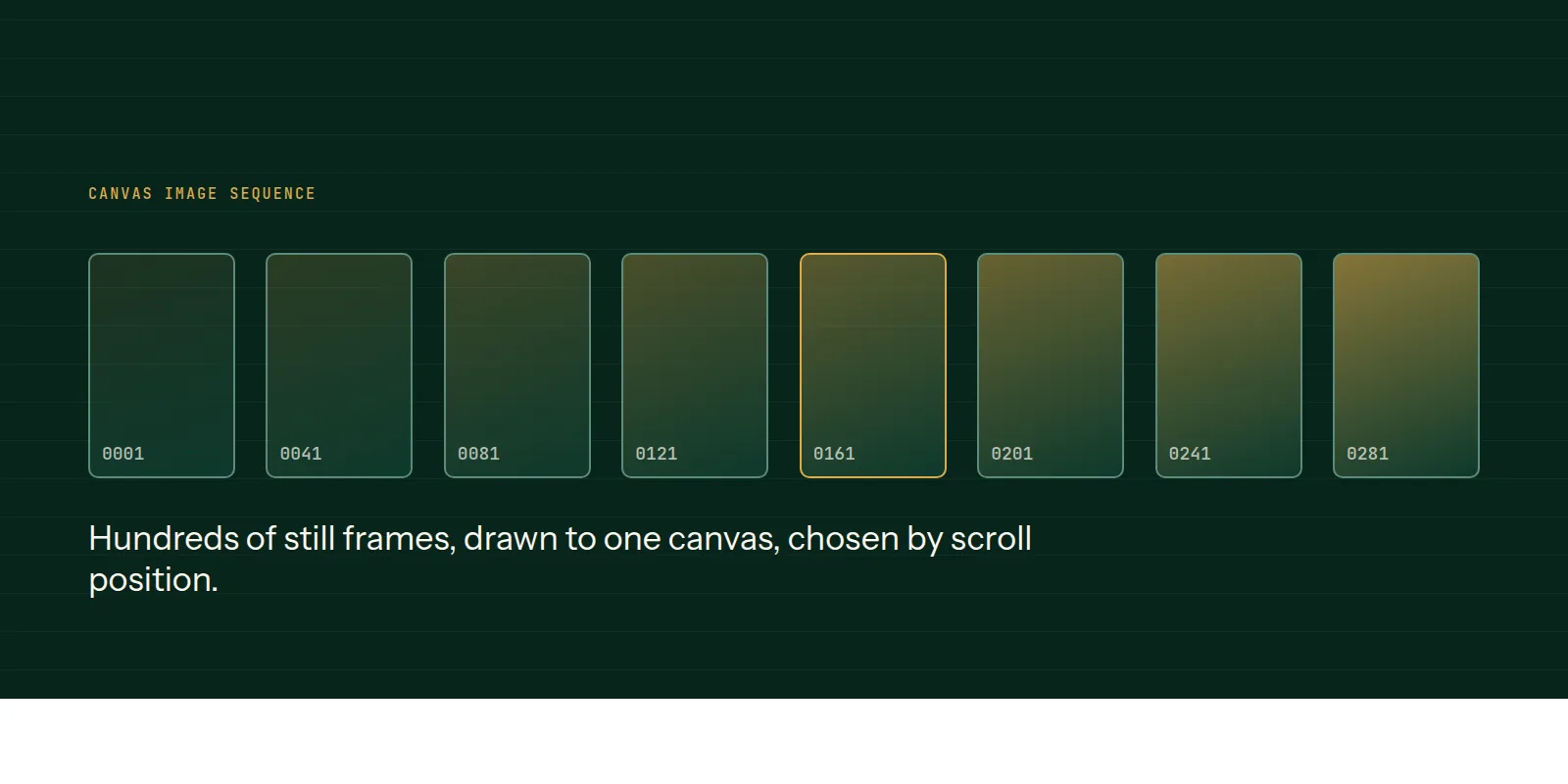
A scroll-driven image sequence maps how far someone has scrolled to a frame number, and draws that frame onto a canvas. There is no video element, so there is no seeking and no decoder to wait for.
We have shipped this pattern and hit its failure modes, which are covered in our notes on why these sequences look blurry on phones and why you should never await img.decode().
The pipeline
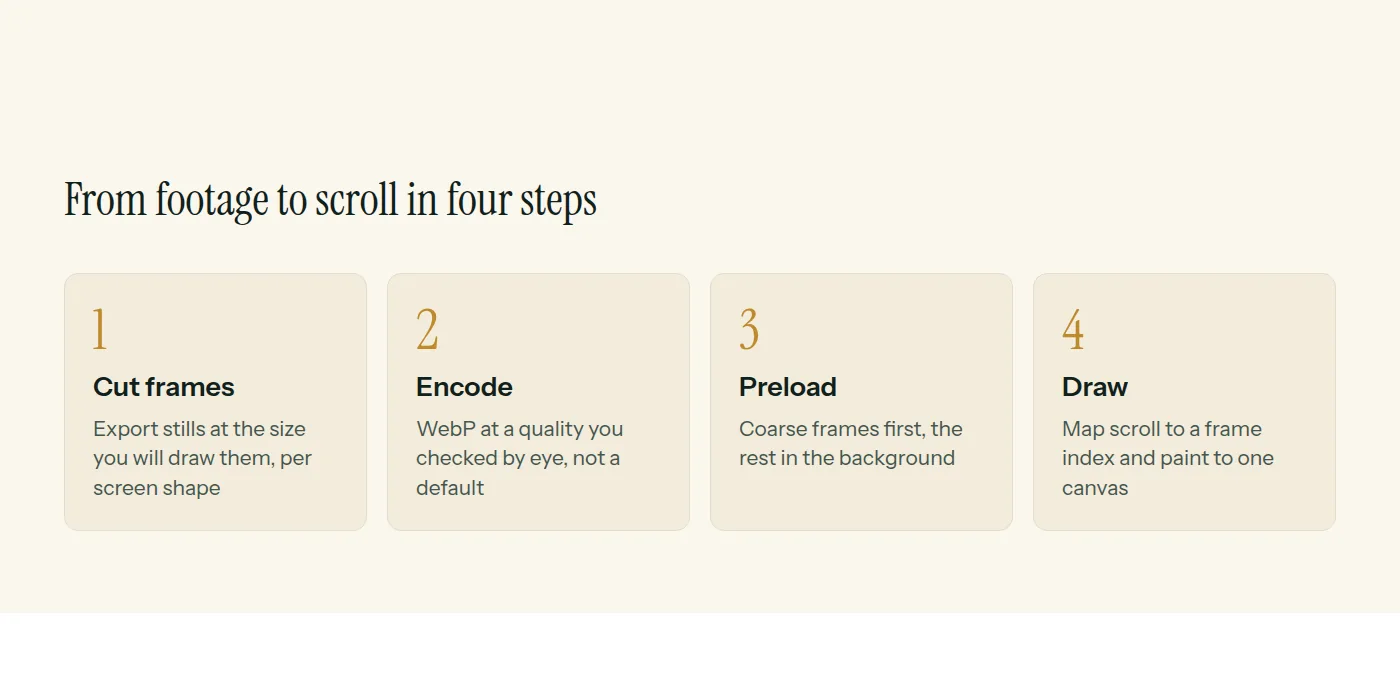
Load the frames
tsconst COUNT = 300;
const frames: HTMLImageElement[] = [];

for (let i = 1; i <= COUNT; i++) {
  const img = new Image();
  img.src = "/seq/" + String(i).padStart(4, "0") + ".webp";
  frames.push(img);
}
Do not wait for all of them before showing anything. Load every tenth frame first so the sequence can play coarsely at once, then fill in the rest in the background.
Map scroll to a frame
tsconst state = { frame: 0 };
const ctx = canvas.getContext("2d")!;

function render() {
  const img = frames[Math.round(state.frame)];
  if (!img || !img.complete) return;
  // cover: fill the canvas, crop the overflow
  const s = Math.max(canvas.width / img.naturalWidth, canvas.height / img.naturalHeight);
  const w = img.naturalWidth * s;
  const h = img.naturalHeight * s;
  ctx.drawImage(img, (canvas.width - w) / 2, (canvas.height - h) / 2, w, h);
}

gsap.to(state, {
  frame: COUNT - 1,
  ease: "none",
  onUpdate: render,
  scrollTrigger: { trigger: ".hero", start: "top top", end: "+=300%", scrub: true, pin: true },
});
GSAP tweens a plain number, and the scrollbar scrubs it. Each update draws whichever frame that number points at.
Keep it sharp
- Cut the frames at the aspect ratio they will be shown at, per screen shape.
- Compare the drawn size with the file size. If you are scaling up, it will look soft.
- Cap the canvas pixel ratio. Going above what you need costs fill rate and gains nothing visible.
- Resize the canvas on window resize, and redraw the current frame.
This is the technique behind our scroll-driven sites. Our web development page describes that work.
Common questions
- Why use an image sequence instead of video?
- Seeking through video by scroll position is unreliable across browsers. Drawing pre-made frames to a canvas gives exact, repeatable control over every position.
- How many frames do I need?
- Enough that the motion looks smooth at your scroll speed, without more payload than you need. Test on a phone and cut frames until you see a difference.
- Does this hurt performance?
- It can if you ship too many or too large frames. Size frames per device, load a coarse set first and cap the canvas pixel ratio.
This is what we do
Work of this kind is Web Development and Performance & SEO — the same hands that wrote this.
A guide from the team at RiverPoint Web & App. It describes how we would approach this and makes no measurement claims. If you want to talk it through, get in touch.