
GSAP ScrollTrigger for beginners: scroll animations that work on real devices
ScrollTrigger turns scroll position into animation progress. Once start, end and scrub make sense, most scroll effects are a few lines.
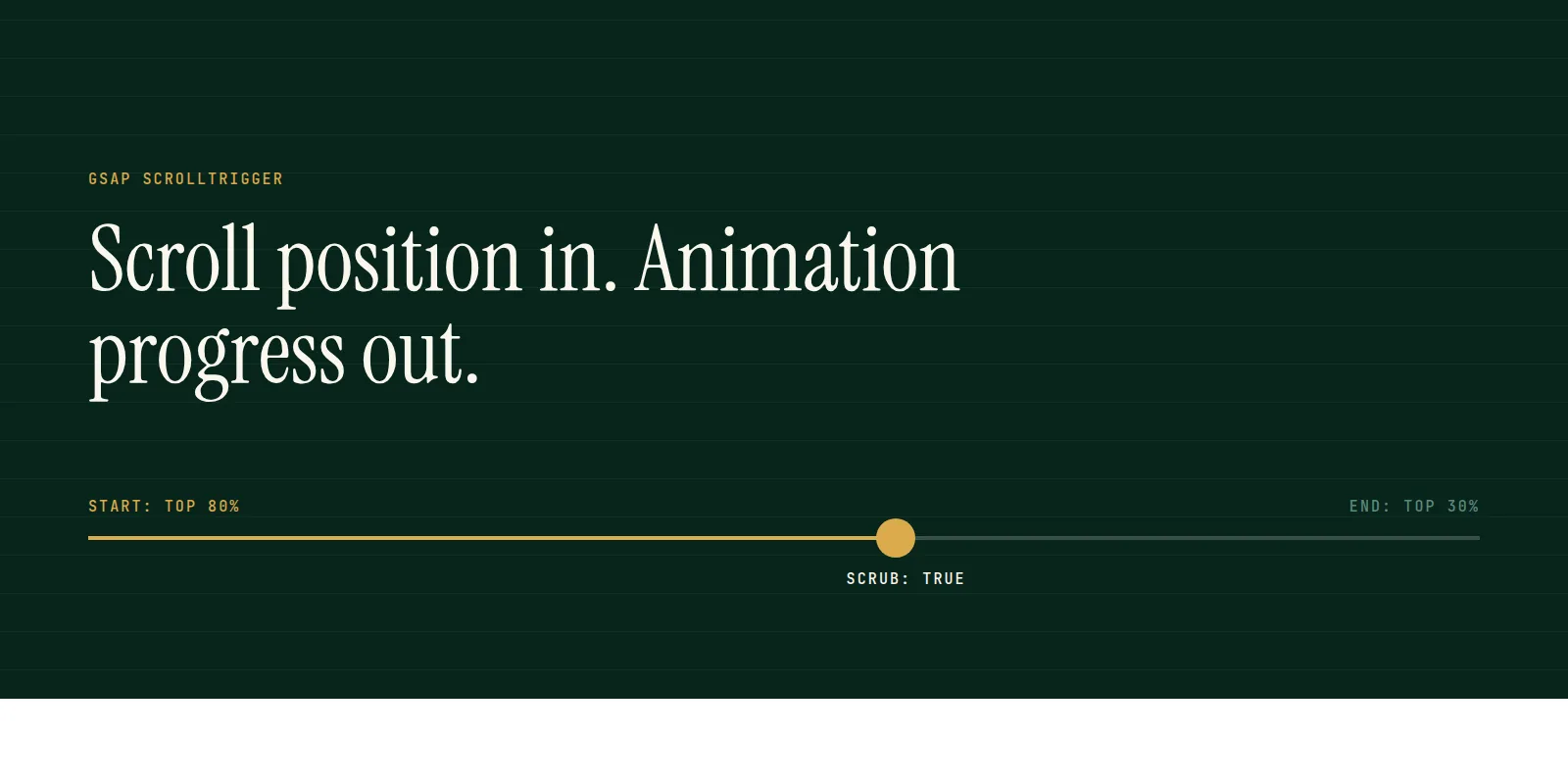
ScrollTrigger is a GSAP plugin that connects scroll position to an animation. It handles the maths of when something starts, finishes and follows the scrollbar, so you describe the effect and it does the arithmetic.
This guide covers the parts you will use every day, in the order you will meet them.
The smallest working example
tsimport { gsap } from "gsap";
import { ScrollTrigger } from "gsap/ScrollTrigger";

gsap.registerPlugin(ScrollTrigger);

gsap.to(".box", {
  x: 400,
  scrollTrigger: {
    trigger: ".box",
    start: "top 80%",
    end: "top 30%",
    scrub: true,
  },
});
As .box scrolls into view, it moves 400 pixels to the right. Scroll back and it moves back. Nothing runs on a timer: the scrollbar is the playhead.
Start, end and scrub
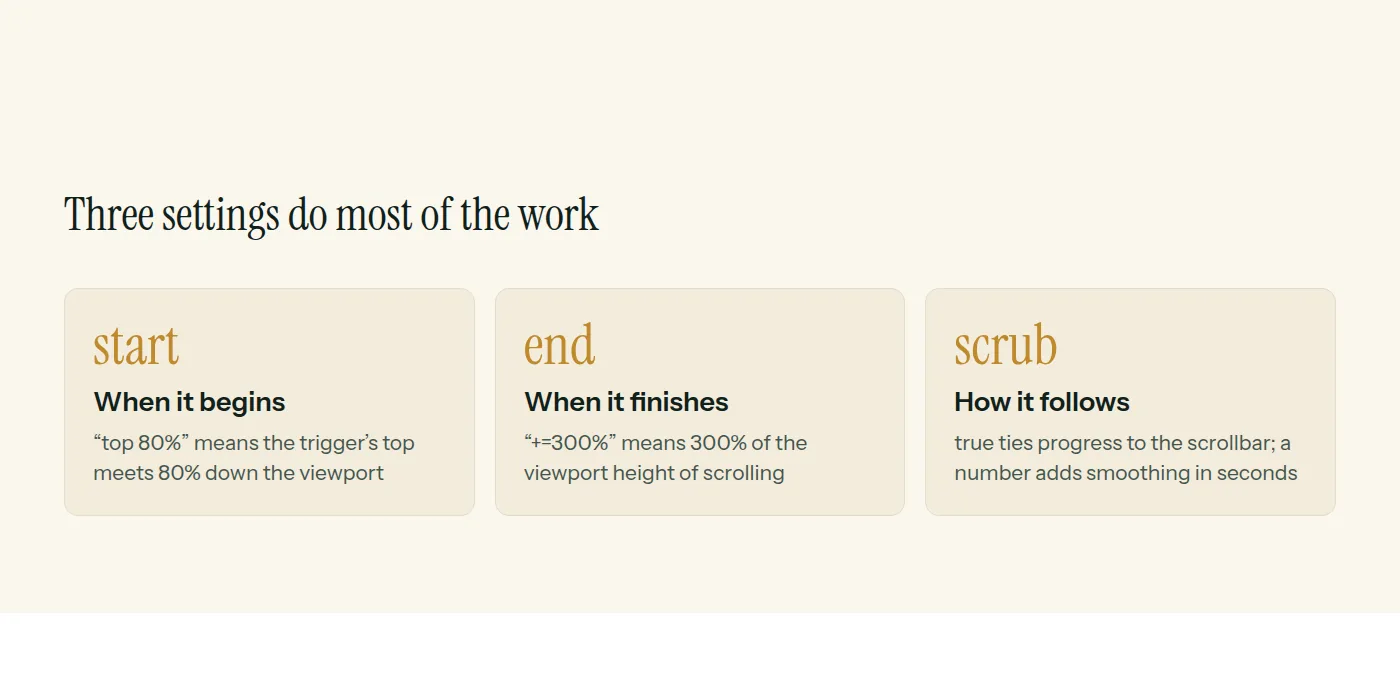
A start of top 80% means: when the top of the trigger reaches 80% of the way down the viewport. An end of +=300% means 300% of the viewport height of scrolling after the start. Add markers: true while building to see both lines on the page, and remove it before shipping.
Pinning a section
tsgsap.to(".panel-track", {
  xPercent: -100,
  ease: "none",
  scrollTrigger: {
    trigger: ".panel",
    start: "top top",
    end: "+=200%",
    pin: true,
    scrub: 0.5,
  },
});
Pin holds the element in place while the animation plays, then lets the page continue. Use ease none with scrub, otherwise the easing fights the scrollbar.
Using it in React or Next.js
tsxuseEffect(() => {
  const ctx = gsap.context(() => {
    gsap.to(".box", { x: 400, scrollTrigger: { trigger: ".box", scrub: true } });
  }, ref);
  return () => ctx.revert();
}, []);
gsap.context scopes your selectors to the component and collects every animation and trigger it creates. Reverting it on unmount removes them all, which prevents duplicate triggers in development and when navigating between pages.
Respect reduced motion and small screens
tsconst mm = gsap.matchMedia();

mm.add("(prefers-reduced-motion: no-preference)", () => {
  // scroll animations here
});
Anyone who has asked their device for less motion should get the content without the movement. matchMedia also lets you build a different version for phones, which matters for pinned sections that feel cramped on a small screen.
These are the patterns behind the scroll sites we build. Our web development page describes that work.
Common questions
- Is GSAP free to use?
- GSAP, including ScrollTrigger, is free to use under GSAP's standard licence, including commercial projects. Check the current licence terms on gsap.com for your use case.
- What does scrub do in ScrollTrigger?
- Scrub ties the animation's progress to the scrollbar. With true it follows exactly; with a number it lags behind by that many seconds, which feels smoother.
- How do I use ScrollTrigger in React or Next.js?
- Register the plugin once, create animations inside gsap.context in an effect, and call revert on the context when the component unmounts.
This is what we do
Work of this kind is Web Development and UI/UX Design — the same hands that wrote this.
A guide from the team at RiverPoint Web & App. It describes how we would approach this and makes no measurement claims. If you want to talk it through, get in touch.