How to scope an app MVP: what to build first and what to cut
An MVP is not a worse app. It is the smallest app that lets real users do the one thing they came for, so you can learn before you spend more.
Most app ideas start as a long list. The skill in scoping is deciding what the list is for. A first release exists to answer one question: will people use this?
Find the core journey
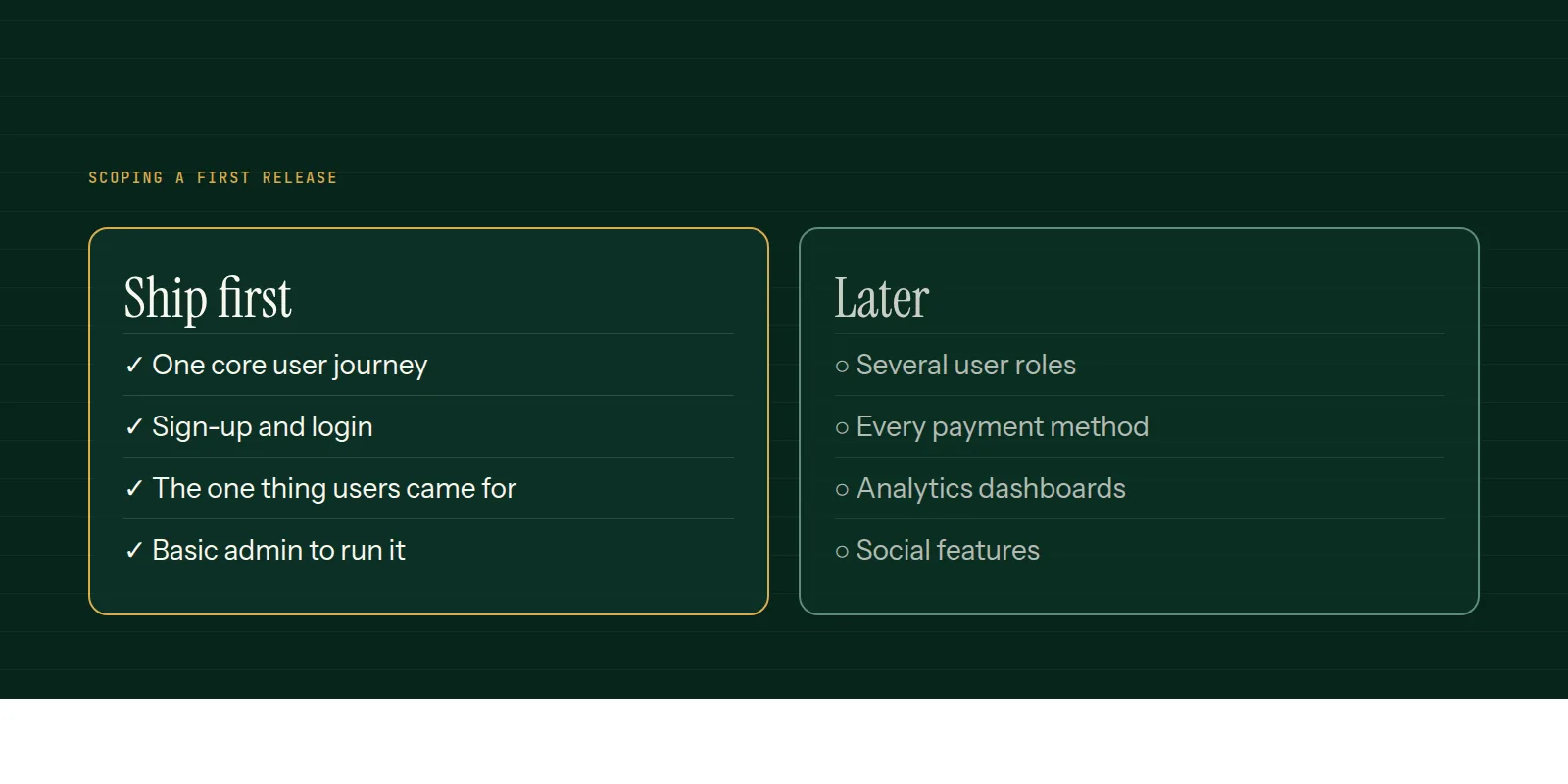
Write the shortest path from opening the app to getting the value it promises. For a booking app: find a slot, book it, get confirmation. For an ordering app: pick items, pay, track the order. Everything on that path is in. Everything else is a candidate to cut.
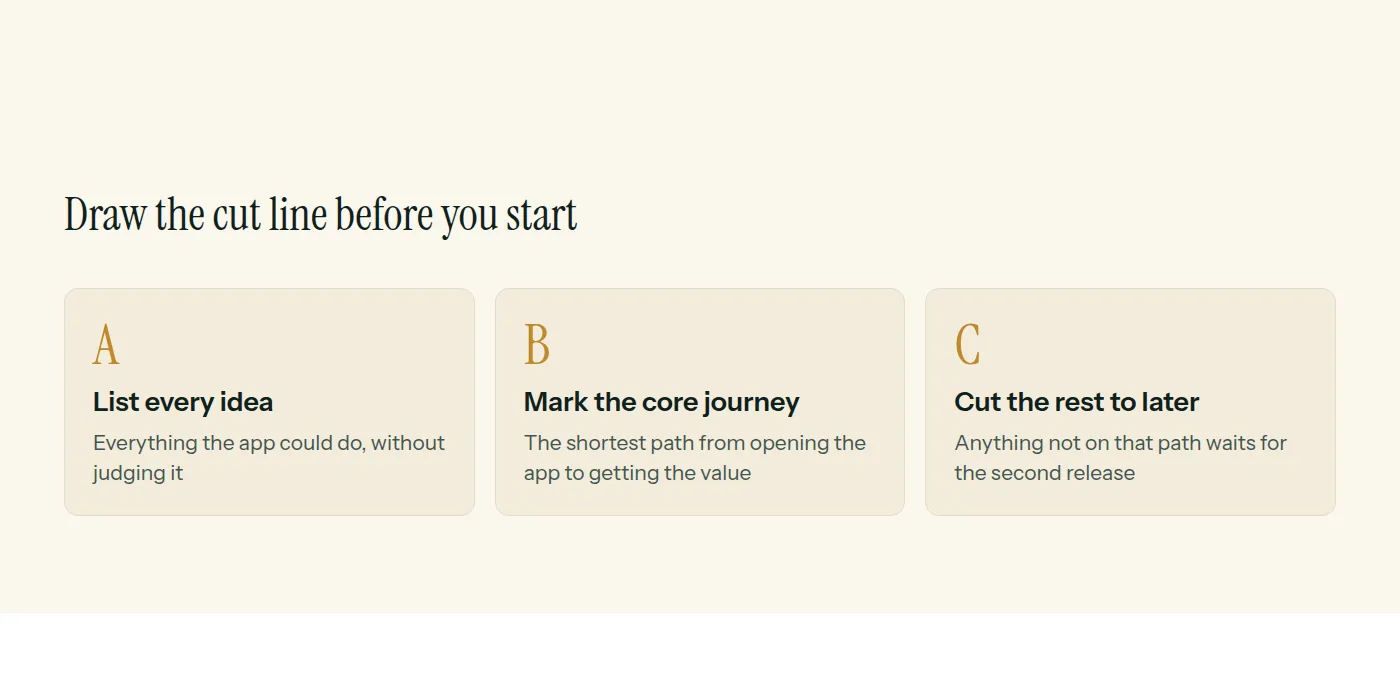
What usually gets cut
- Multiple user roles. Start with one, add the others once the first works.
- Every payment method. Offer the one most customers use.
- Social features, comments and sharing.
- Analytics dashboards. Basic tracking is enough to learn from.
- Settings screens for options nobody has asked for yet.
What should never be cut
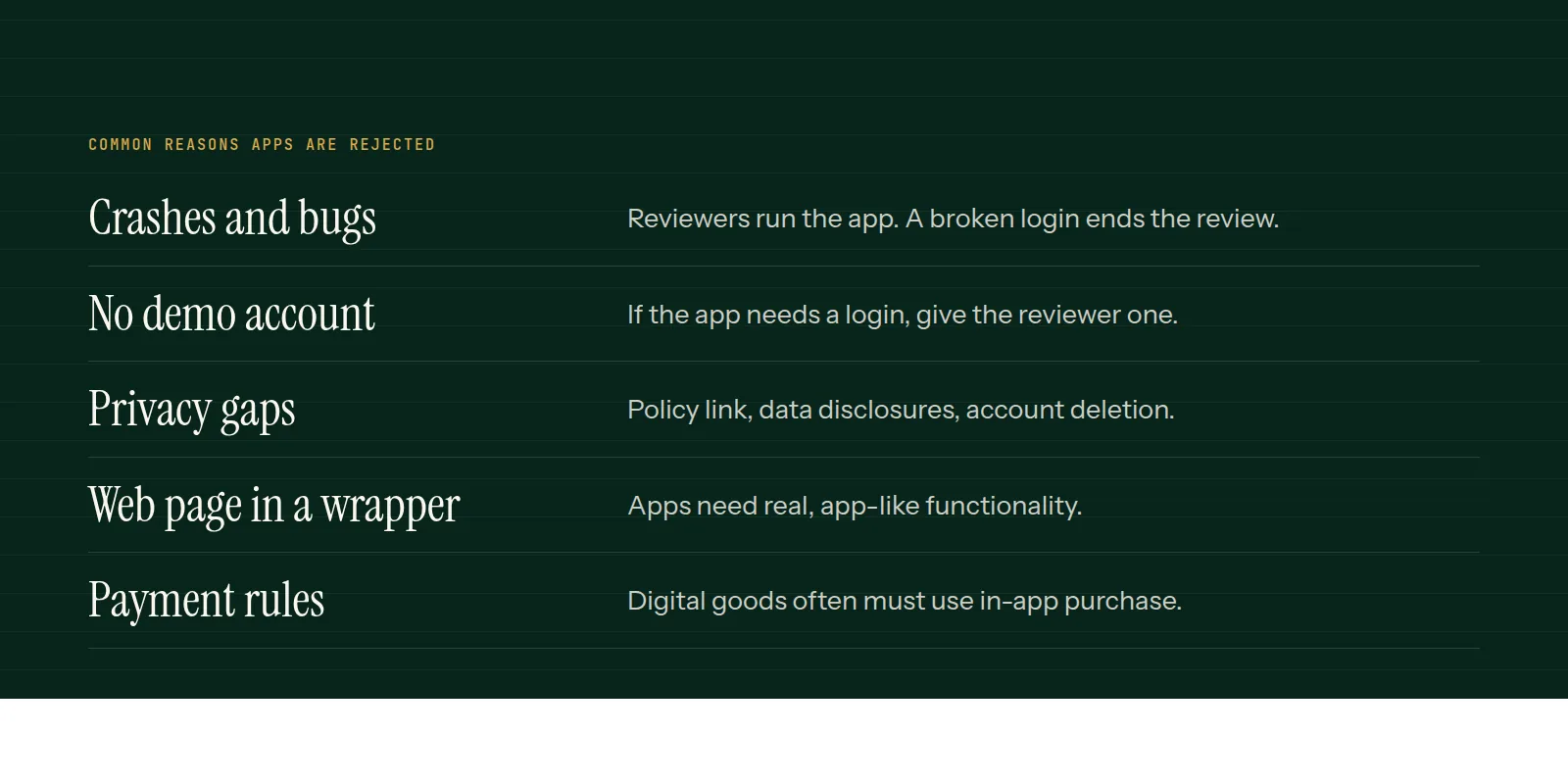
Reliability on the core path, a sensible way to log in, a privacy policy, store-required items such as account deletion, and some way for you to see what is happening. A thin MVP must still work every time.
After the release
Watch what people actually do. Talk to the first users. Then decide the second release from evidence, not from the original list.
Our MVP development page describes how we run a scoping session and turn it into a written plan.
Common questions
- What does MVP stand for?
- Minimum viable product: the smallest version of a product that delivers real value to users and lets you learn from their behaviour.
- How many features should an MVP have?
- As few as needed for one complete user journey. If a feature is not on that path, it probably belongs in a later release.
- Should an MVP include an admin panel?
- Usually a basic one, so you can run the product. It does not need to be polished or complete.
This is what we do
Work of this kind is MVP Development and Mobile App Development — the same hands that wrote this.
A guide from the team at RiverPoint Web & App. It describes how we would approach this and makes no measurement claims. If you want to talk it through, get in touch.