

Why apps get rejected from the App Store and Google Play, and how to avoid it
Most rejections are not about the idea. They are about a missing demo login, a privacy form, or a rule nobody on the team had read. All are avoidable.
A rejected submission costs days. The frustrating part is how many rejections come from things that were knowable in advance.
Store rules change, so treat this as a checklist of what to verify, and read Apple's App Review Guidelines and Google Play's policies for the current wording before you submit.
Reasons that come up again and again
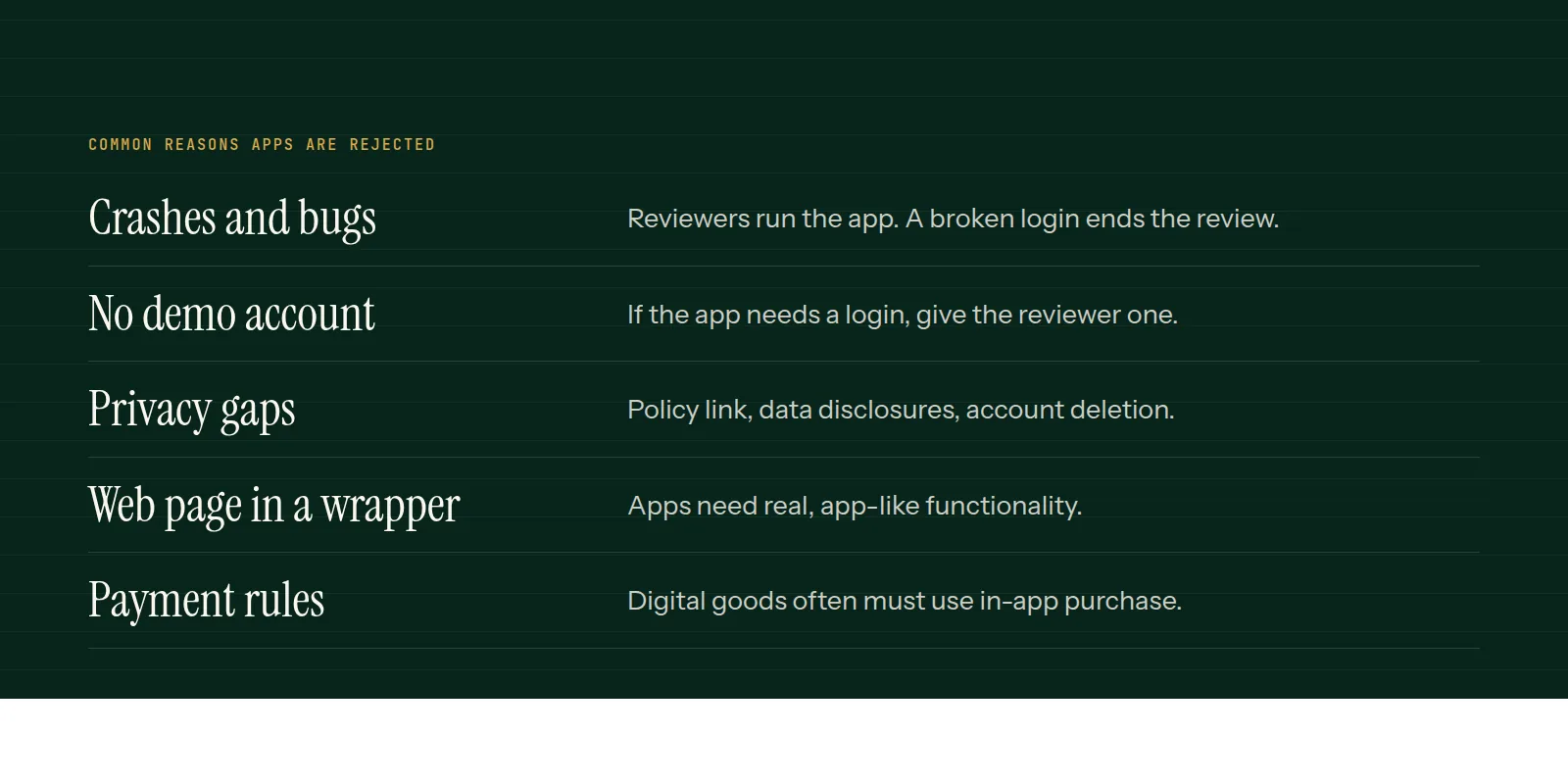
- Crashes and obvious bugs. Reviewers run the app on real devices. A broken login or an empty screen ends the review.
- No demo account. If the reviewer cannot get past the login, they cannot approve it.
- Incomplete or placeholder content, broken links, or a privacy policy URL that does not load.
- Privacy gaps. You must disclose what data you collect and why, in the store forms as well as in the policy.
- Account deletion. If users can create an account in the app, they generally need a way to delete it from within the app.
- Sign-in rules. Offering third-party social login can require an equivalent privacy-preserving option, often Sign in with Apple.
- Payments. Digital goods and subscriptions often have to use the store's in-app purchase system.
- Minimum functionality. A website in a wrapper, with nothing app-like added, tends to be rejected.
Google Play has its own checks
Play asks for a data safety form, a content rating, and a target API level that must stay current. Newer developer accounts may also need to run a closed test with a minimum number of testers before the app can go to production. These requirements change, so check the Play Console for the current rules early.
A pre-submission routine
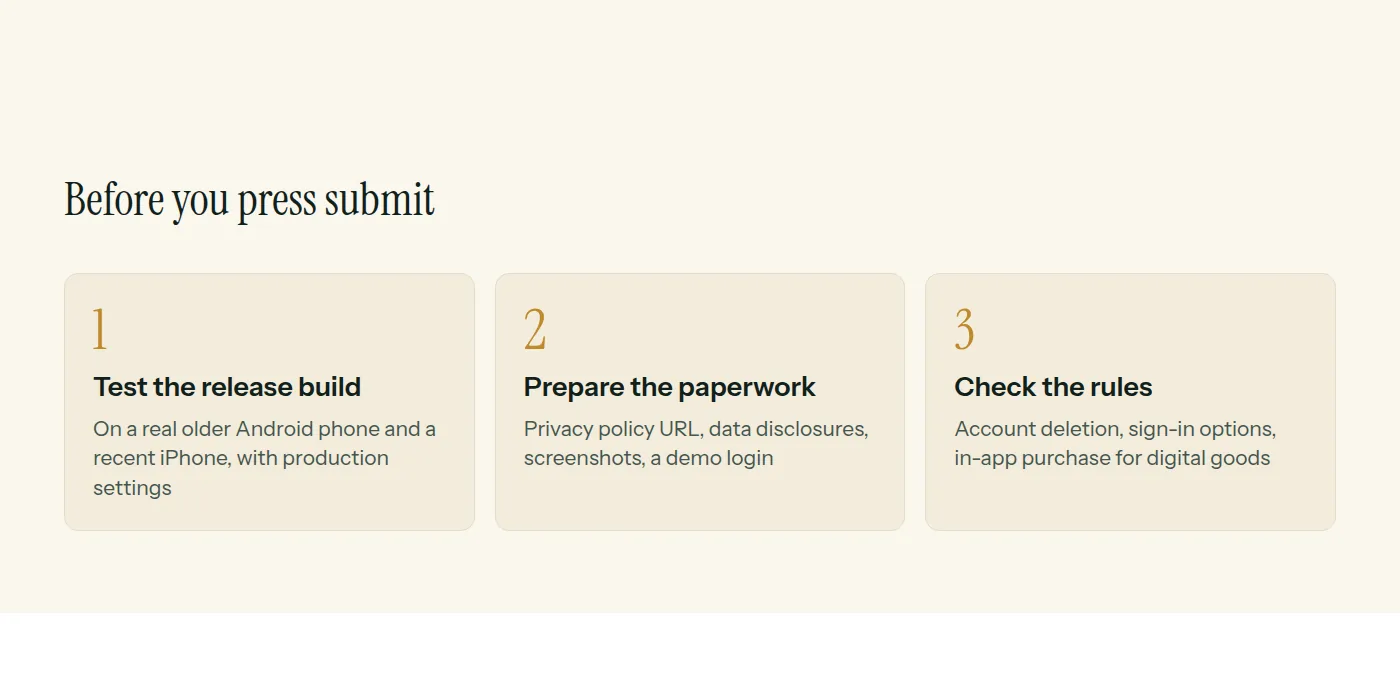
- Install the release build, not the debug one, on a real device and use every feature.
- Write review notes: how to log in, where hidden features are, what hardware is needed.
- Fill in privacy details to match what the app and its SDKs actually collect.
- Check every link, screenshot and description for accuracy.
- Submit with time to spare, not on launch day.
We plan store setup at the start of a project for exactly this reason. Our mobile app development page covers how that fits in.
Common questions
- How long does App Store review take?
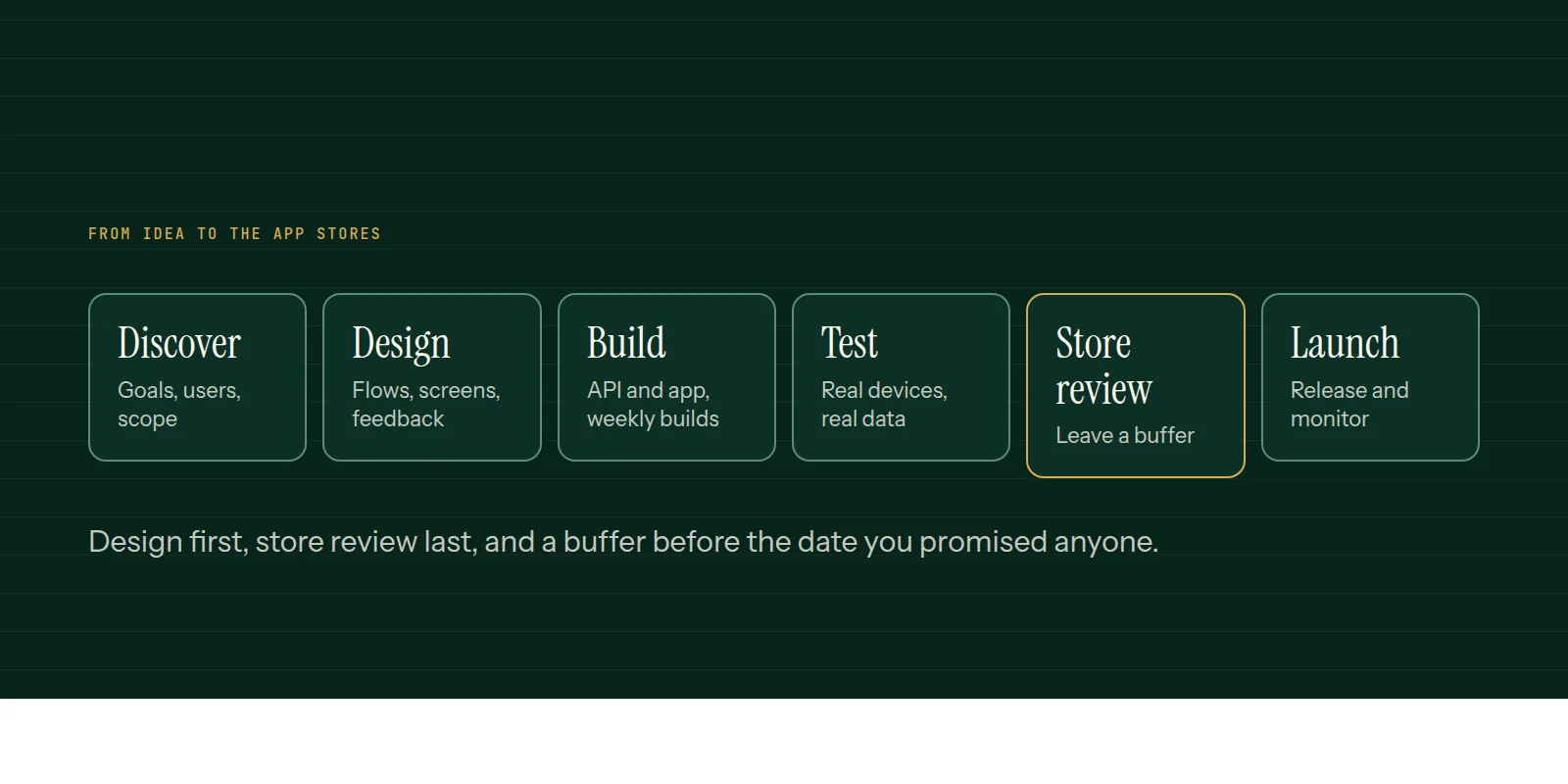
- It varies and is outside your control. Plan days rather than hours, and leave a buffer before any launch date you have announced.
- Do I need a demo account for review?
- If any part of the app is behind a login, yes. Provide working credentials and notes so the reviewer can reach every feature.
- Can I use a website inside an app?
- A thin wrapper around a website is likely to be rejected for lacking app-like value. Add real native or app-specific functionality.
This is what we do
Work of this kind is Mobile App Development and Technical Consulting — the same hands that wrote this.
A guide from the team at RiverPoint Web & App. It describes how we would approach this and makes no measurement claims. If you want to talk it through, get in touch.