
Mobile app testing checklist: what to try before real users do
Most launch-day bugs are not logic errors. They are what happens when the phone is old, the signal is weak, a call comes in, or a permission is refused.
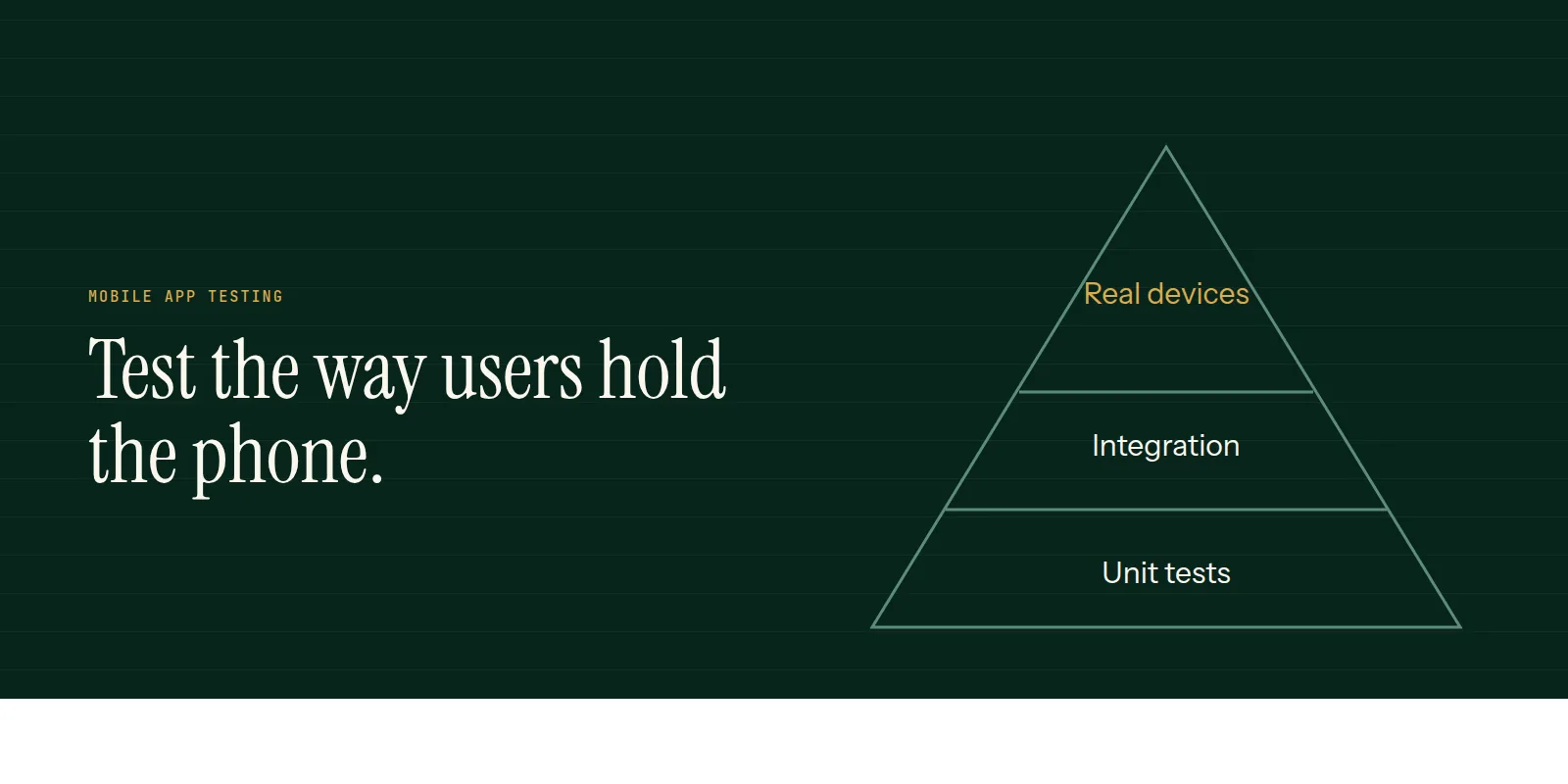
Testing a mobile app is not just checking that features work. It is checking that they keep working when the real world interferes.
Devices and versions
- An older and a recent Android phone, and a recent iPhone.
- A small screen and a large one, plus a tablet if you support it.
- The oldest OS version you claim to support.
Conditions
- Weak network, no network, and a connection that drops in the middle of an action.
- An incoming call, a notification or switching apps during a task.
- Low battery mode and low storage.
- Time zone and language changes, and a different region.
Permissions and flows
- Deny camera, location and notification permissions, then try the feature anyway.
- Sign up, log in, log out, reset a password and delete the account.
- Upgrade from the previous version with existing data.
- Payments in the provider's test mode, including failure and cancel.
- Push notifications on both platforms, with the app open, in the background and closed.
Accessibility
Turn on larger text and a screen reader and use the app. Check tap targets, contrast and that every control has a meaningful label.
Our mobile app development and maintenance pages describe how testing fits into each release.
Common questions
- Which devices should I test on?
- At least one older and one recent Android phone and a recent iPhone, ideally across screen sizes and OS versions your users actually have.
- Is automated testing enough?
- No. Automation covers logic and regressions well, but real devices find layout, performance and interruption problems.
- How do I test a weak network?
- Use the network throttling tools in your platform's developer settings, and also test with airplane mode and a connection that drops.
This is what we do
Work of this kind is Mobile App Development and Maintenance & Support — the same hands that wrote this.
A guide from the team at RiverPoint Web & App. It describes how we would approach this and makes no measurement claims. If you want to talk it through, get in touch.