


Mobile app security checklist: eight things to check before you launch
Anything shipped inside an app can be extracted, so the rule is simple: the app is not a safe place for secrets or rules. These eight checks follow from it.
A mobile app runs on a device you do not control, held by someone who might be curious or hostile. Treat everything in the app as public and everything on the server as the real defence.
This is a practical checklist, not an audit. For sensitive data, the OWASP Mobile Application Security Verification Standard is the reference to work through.
The eight checks
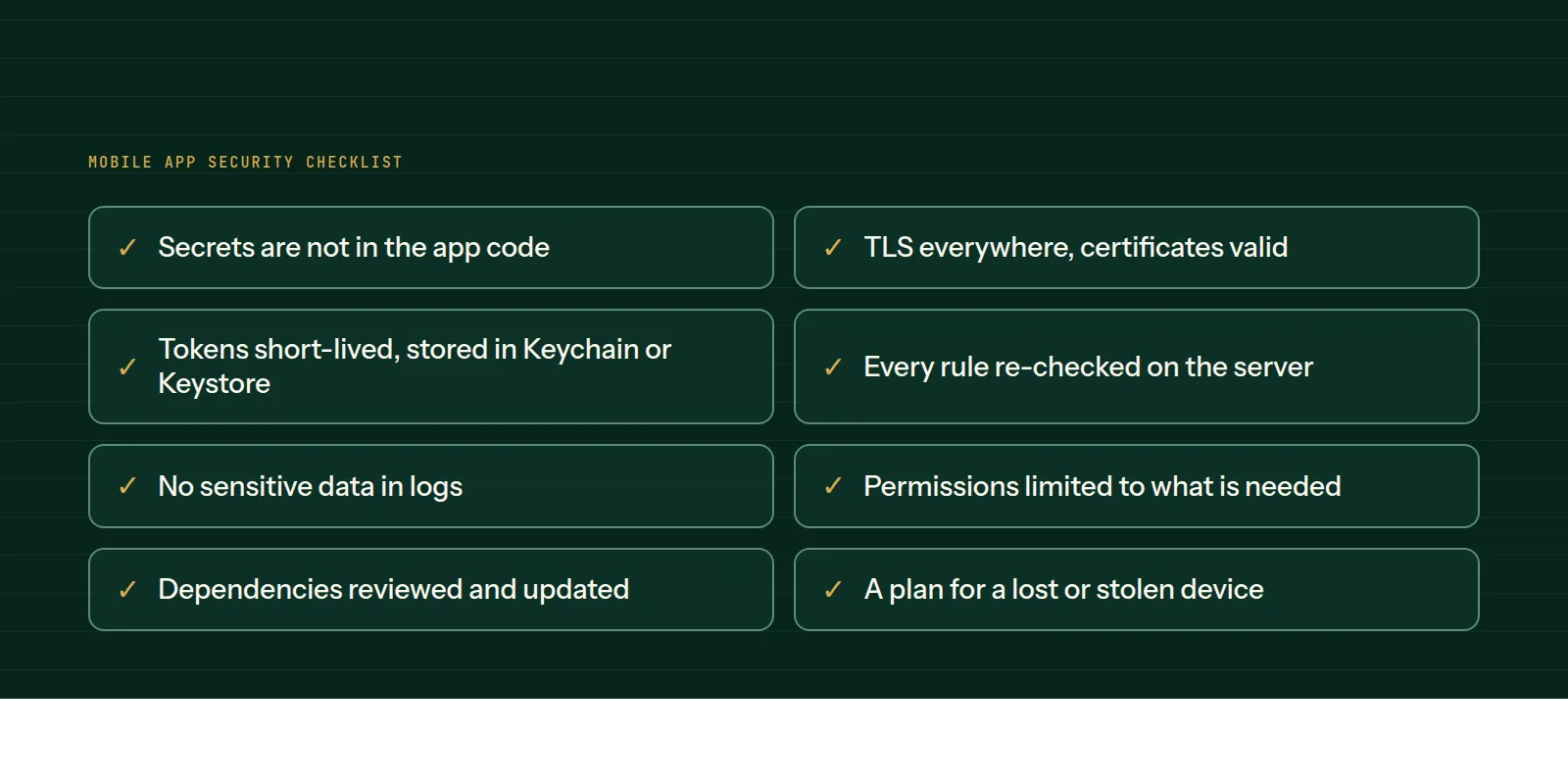
1. Secrets are not in the app. Keys and passwords bundled in the app can be extracted. Keep real secrets on the server and hand the app limited tokens.
2. TLS everywhere. All traffic uses HTTPS with valid certificates. Never disable certificate checks to make a test pass.
3. Tokens are short-lived and stored securely. Use the iOS Keychain or the Android Keystore, with refresh and revoke on the server.
4. The server re-checks every rule. Prices, permissions and limits enforced only in the app can be bypassed by anyone calling your API directly.
5. No sensitive data in logs. Debug output, crash reports and analytics should not contain passwords, tokens or personal details.
6. Permissions are limited. Ask only for what a feature needs, at the moment it is needed, and explain why.
7. Dependencies are reviewed. Libraries can carry vulnerabilities. Keep them updated and remove ones you do not use.
8. A plan for a lost or stolen device. Allow remote sign-out and revoke tokens, and lock sensitive screens when the app is backgrounded.
Habits that keep it secure
- Review security as part of every release, not once.
- Rate-limit login and sensitive endpoints on the server.
- Make sure error messages do not reveal internal details.
- Keep a way to force an update if a serious issue is found.
Our mobile app development and technical consulting pages describe how we build security into the plan.
Common questions
- Can API keys be hidden inside a mobile app?
- Not reliably. Anything bundled in the app can be extracted, so keep real secrets on your server and give the app limited, revocable tokens.
- Where should an app store login tokens?
- In the platform's secure storage, the iOS Keychain or Android Keystore, not in plain preferences or files.
- Is a security audit necessary?
- For apps handling payments, health or personal data, an independent review is wise. The OWASP Mobile Application Security Verification Standard is a useful reference.
This is what we do
Work of this kind is Mobile App Development and Technical Consulting — the same hands that wrote this.
A guide from the team at RiverPoint Web & App. It describes how we would approach this and makes no measurement claims. If you want to talk it through, get in touch.