



Six app development mistakes that cost the most, and how to avoid each
None of these is exotic. They show up on project after project, and each has a plain habit that prevents it.
These are the mistakes behind most overruns we see described by people who come to us after a project went wrong. Each is preventable.
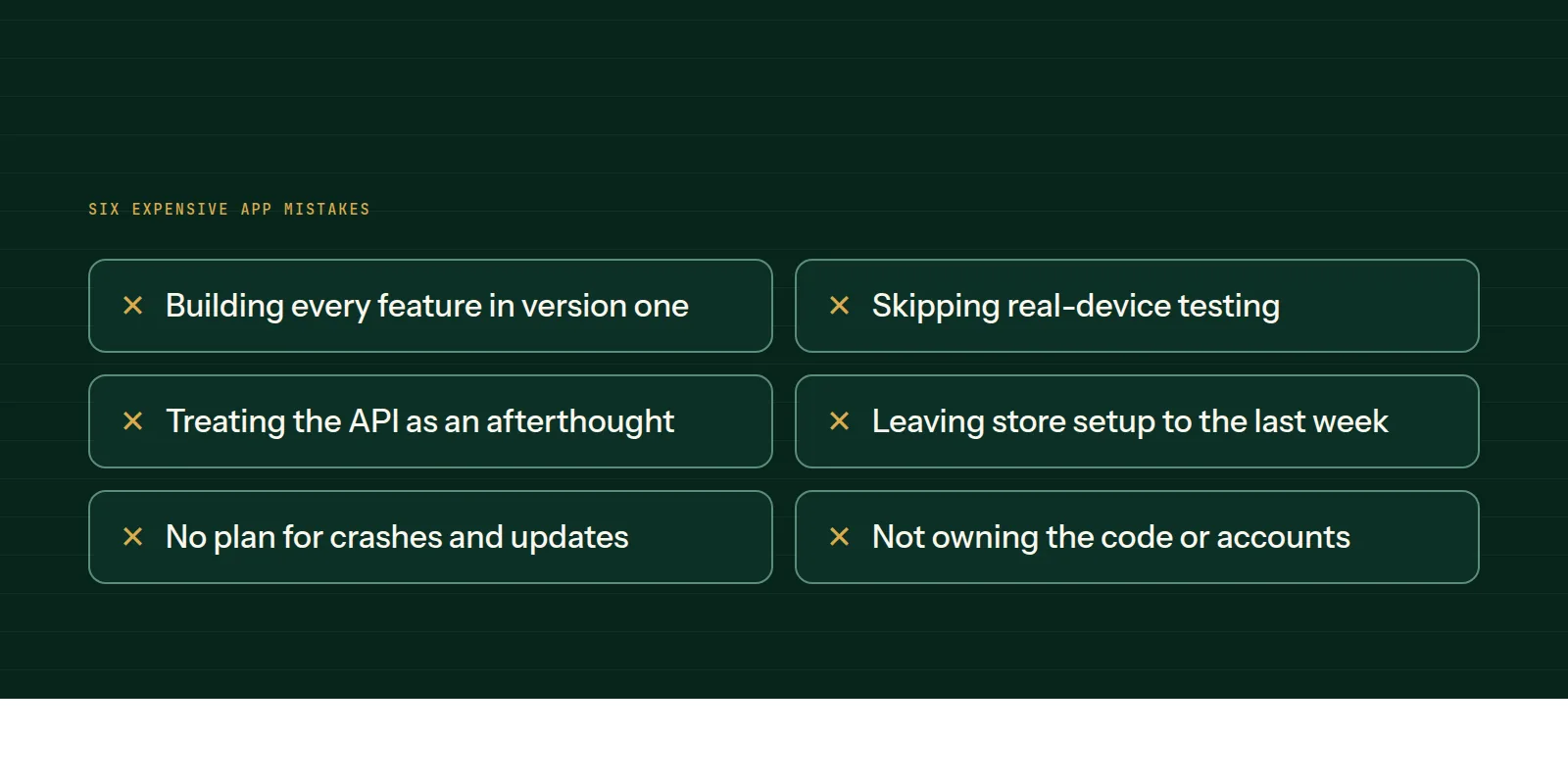
1. Building every feature in version one
The list grows, the date slips and nothing reaches users. Fix: one core journey first, everything else later.
2. Skipping real-device testing
An app that works on the developer's new phone can fail on an older Android with a weak connection. Fix: test on real, older and varied devices before launch.
3. Treating the API as an afterthought
The app is the visible part, and the backend carries the rules and data. A messy API makes every later change slow. Fix: design the data model and API first.
4. Leaving store setup to the last week
Developer accounts, privacy forms, screenshots and review all take time. Fix: start them early and plan for a rejection round.
5. No plan for crashes and updates
Operating systems change yearly. An unmaintained app breaks. Fix: budget for monitoring and updates from the beginning.
6. Not owning the code or accounts
If the vendor holds the repository and the store accounts, leaving them is hard. Fix: publish under your accounts and keep the code in a repository you control.
Our mobile app development and technical consulting pages describe how we approach each of these on real projects.
Common questions
- What is the most common app development mistake?
- Trying to build everything in the first release. A smaller version reaches users sooner and shows what is worth building next.
- How do I avoid vendor lock-in?
- Own the code repository and the store accounts from the start, and get documentation and a handover process in writing.
- Is testing on one phone enough?
- No. Test an older Android phone and a recent iPhone at least, and on a weak connection.
This is what we do
Work of this kind is Mobile App Development and Technical Consulting — the same hands that wrote this.
A guide from the team at RiverPoint Web & App. It describes how we would approach this and makes no measurement claims. If you want to talk it through, get in touch.