Never await img.decode()
Our page worked perfectly. Unless you opened it in a background tab, where every preload worker stalled on frame one and stayed there.
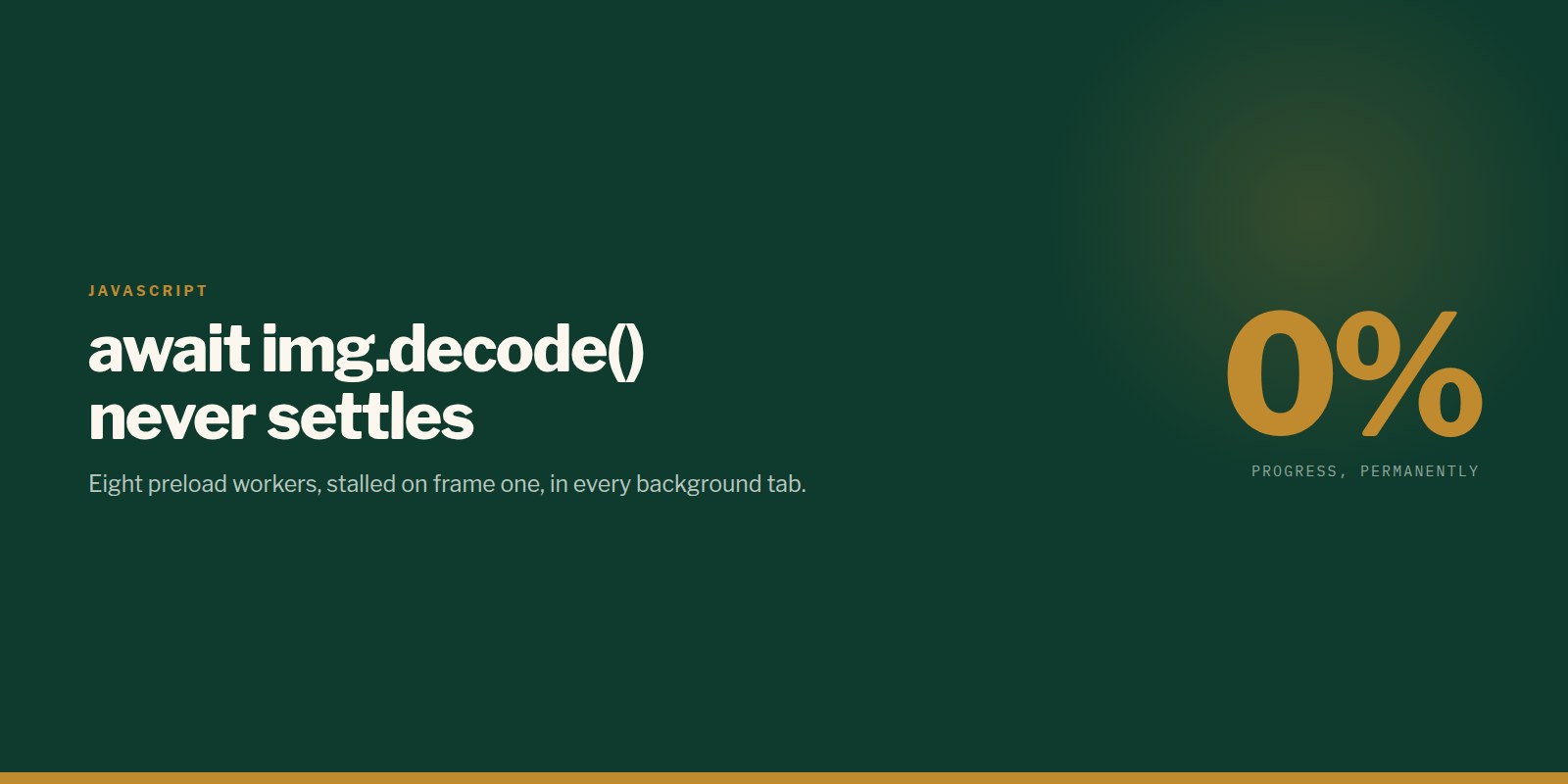
We were preloading 320 images for a scroll-driven canvas sequence. The preloader ran eight workers in parallel, each awaiting img.decode() before moving to the next frame.
It worked. Unless you opened the page in a background tab — then progress sat at 0% forever and never recovered.
Why decode() is the tempting choice
decode() resolves when the bitmap is genuinely ready to paint. That is exactly what you want from a preloader: your first draw can never land on a half-decoded image, and there is no flash of a partially-rendered frame.
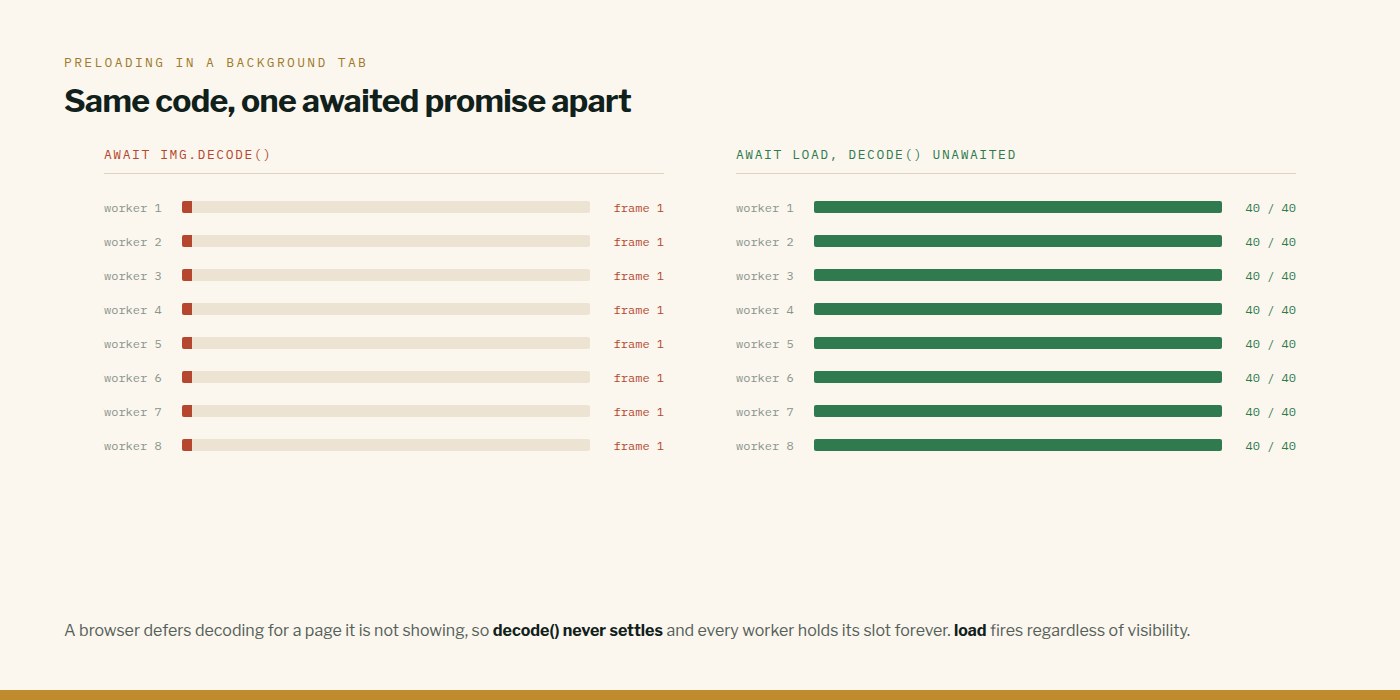
The problem is that a browser defers decoding for a page it is not currently showing. That is sensible — why spend CPU decoding images nobody is looking at — but it means the promise simply never settles.
Who this breaks
Think about how people open links. Middle-click. Cmd-click. Open in new tab to read later. Open six tabs from a search results page and work through them.
All of those load the page in the background. Every one of those visitors came back to a dead page. This is not an edge case — for a lot of sites it is the majority path.
The fix is one line
Wait on load, which fires regardless of visibility. Fire decode() unawaited as a warm-up so the first paint is still cheap.
tsawait new Promise<void>((res) => {
  img.onload  = () => res();
  img.onerror = () => res();   // a missing frame holds its neighbour
  img.src = frameUrl(i);
});

img.decode?.().catch(() => { /* warm-up only */ });
The same trap, elsewhere
Anything that depends on the rendering pipeline stops in a throttled tab, and a throttled tab is exactly when your fallbacks need to work:
- requestAnimationFrame does not run. A GSAP tween used to dismiss a loading overlay will never complete — dismiss by CSS class instead, because a CSS transition is driven by the compositor and still resolves.
- setTimeout is throttled to roughly once a minute. A timeout-based safety net is not a safety net.
- ResizeObserver callbacks are delivered through the rendering pipeline, so they are deferred too.
We hit all three in the same build. Each one only appeared when the tab was not in front, which is also the hardest state to notice during development.
This is what we do
Work of this kind is Performance & SEO and Web Development — the same hands that wrote this.
Written by Taha Virdiwala at RiverPoint Web & App. Everything here was measured on a real build — if you are hitting the same thing and it is not landing, tell us what you are seeing.