A site that could not rank, because of one line
We launched on a new domain. It was indexed and it could not rank. The reason took ten seconds to find and had been there the whole time.
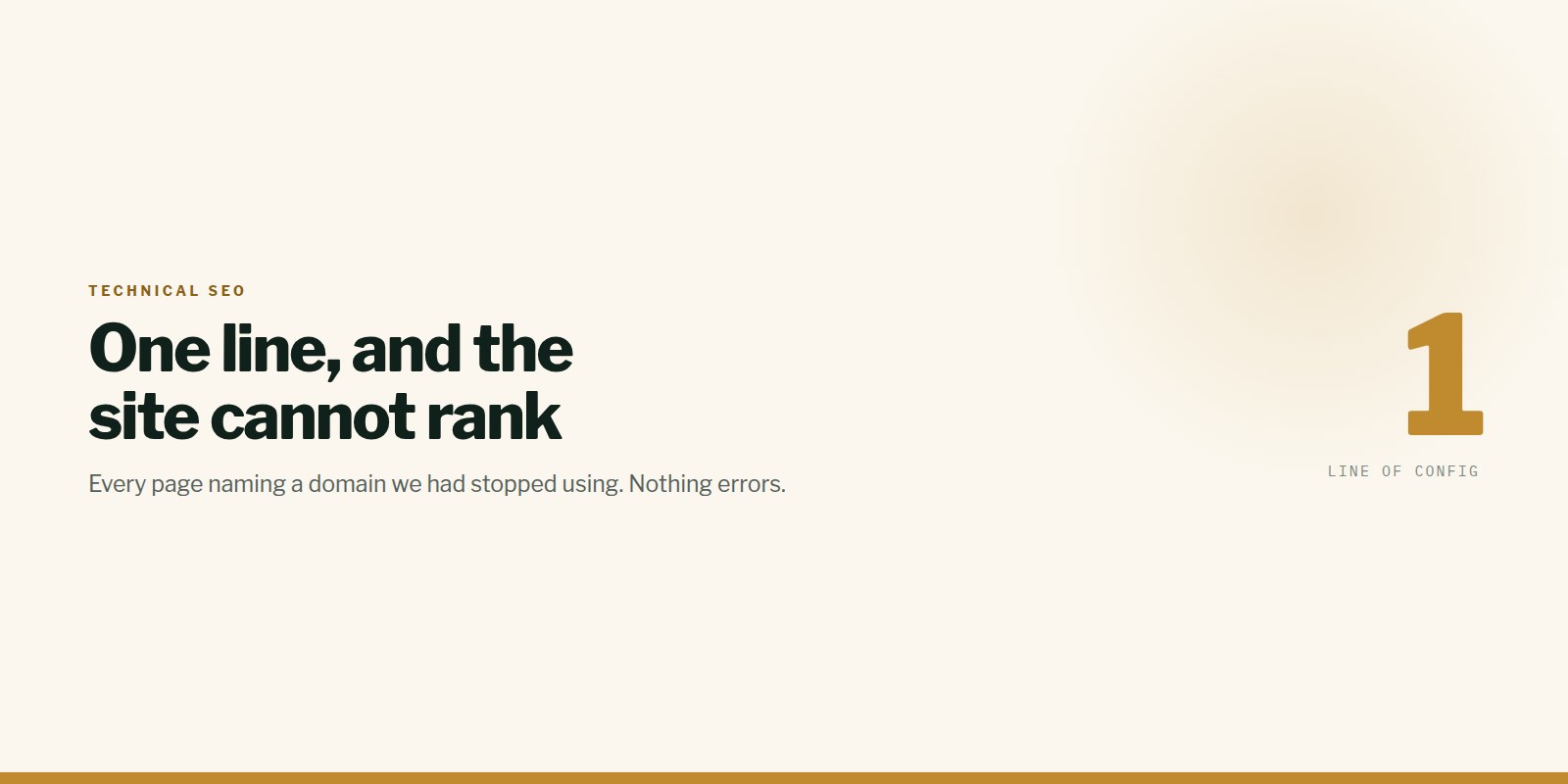
A site moved to a new domain. It went live, Google indexed it, and it ranked for nothing at all — not even its own name.
Every page was serving this:
html<link rel="canonical" href="https://oldsite.netlify.app/">A canonical tag tells Google which URL is the authoritative version of a page. Ours named a host we had stopped using months earlier. We were instructing Google to credit a domain that was not ours.
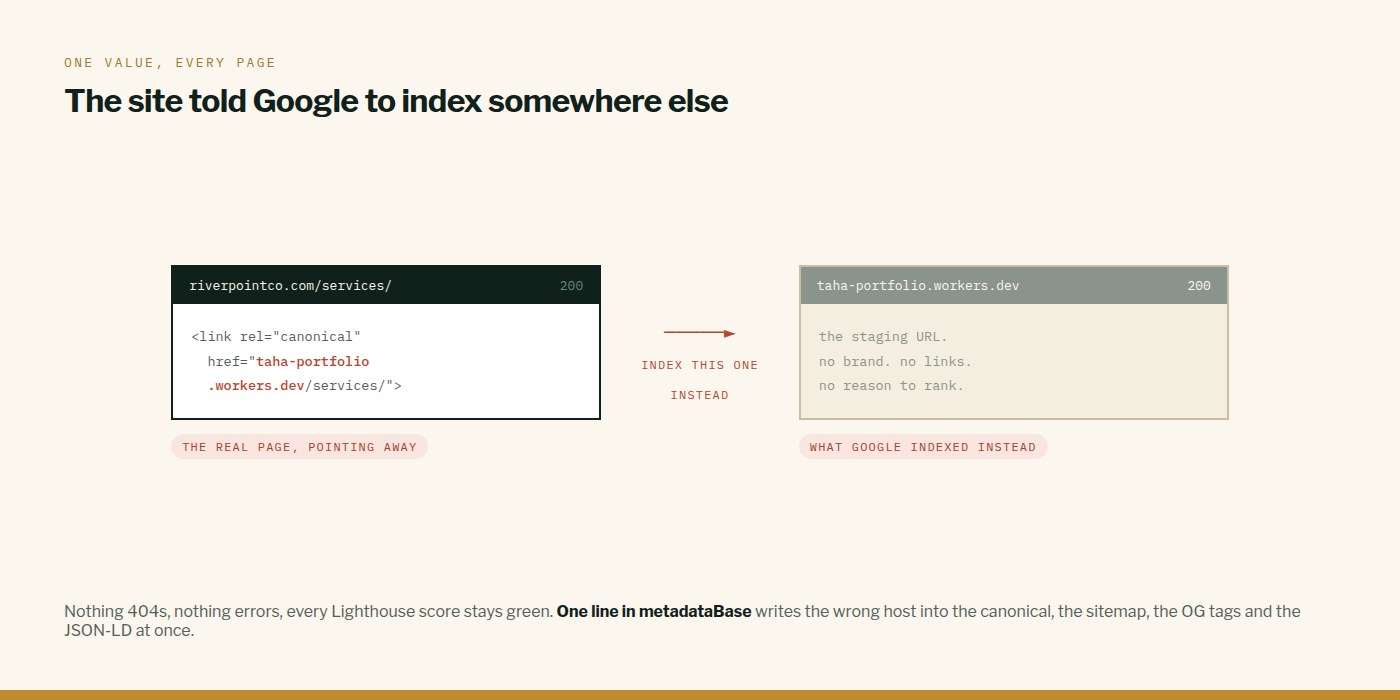
One constant, every page
In Next.js it came from a single line:
tsconst SITE = "https://oldsite.netlify.app";

export const metadata = {
  metadataBase: new URL(SITE),
  alternates: { canonical: "/" },
};
metadataBase is what turns every relative canonical and Open Graph path into an absolute URL. Change hosts, forget that line, and every page on the site quietly credits the wrong domain.
Check yours in ten seconds
bashcurl -s https://yourdomain.com/ | grep canonicalIf that does not print your actual domain, that is your problem and nothing else you do to the site matters until it is fixed.
Two things we changed afterwards
The origin now lives in one file, imported by the canonical tags, the sitemap, robots.txt and the JSON-LD. Four copies of a hostname is three chances to canonicalise onto the wrong one.
And we audit the deployed site rather than the source. This was invisible in the codebase — the constant looked fine, the template looked fine — and obvious in a single curl against production.
We then found the identical bug on a second site the same week. It is not a rare mistake. It is what happens every time a site changes address and nobody checks the one value everything else is resolved against.
This is what we do
Work of this kind is Performance & SEO and Hosting & Migration — the same hands that wrote this.
Written by Taha Virdiwala at RiverPoint Web & App. Everything here was measured on a real build — if you are hitting the same thing and it is not landing, tell us what you are seeing.